Trumpeting life…

I don’t think there’s anything on this planet that more trumpets life that the sunflower. For me that’s because of the reason behind its name. Not because it looks like the sun but because it follows the sun. During the course of the day, the head tracks the journey of the sun across the sky. A satellite dish for sunshine. Wherever light is, no matter how weak, these flowers will find it. And that’s such an admirable thing. And such a lesson in life.”

 From the movie, Calendar Girls

sunflower8sunflower1

This slideshow requires JavaScript.

Hold it in your hands…

I’m running out of ways to creatively say some version of “print yer damn work!” But seriously, print yer damn work. Live with it. Study it. Hold it in your hands. Give it away. Experience the joy of seeing it matted and framed and hung on walls.

David Duchemin

I often find that David Duchemin has something to say in his blog posts and writings that serves as a friendly kick in the pants.

Like Duchemin, I think there’s great merit in getting our images off our hard drives and into some kind of tangible form. I’ve been making photobooks for a few years now and experimenting with many different brands and formats.

For me, this is a great way to print my work and see how various images look together. I find grouping the images in books keeps them more organized than making small individual prints. I now have an interesting collection of books that records my progress in photography and helps me follow my interests and obsessions over time.

I just finished my latest photo book and this time I included some favourite quotes as well. The software I used allows you to print proofs of the pages, so I put them together in a bit of a digital slide show.

But there’s nothing like holding the actual book in your hands. I look forward to receiving it in a few weeks.

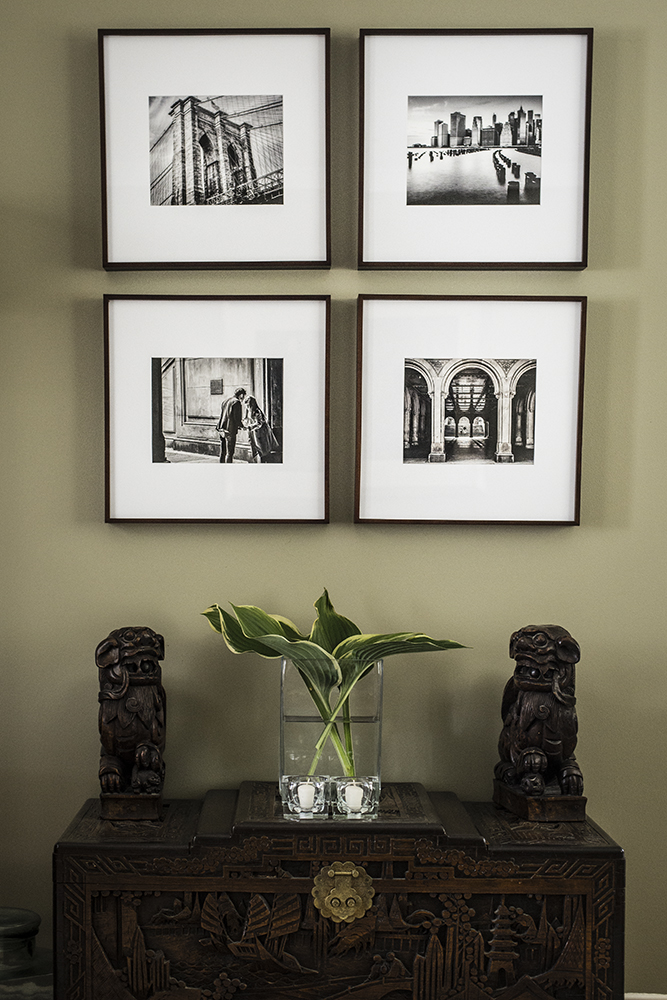
Recently, I also started having my images printed, matted and framed. It took me forever to figure out which ones to select and how to display them. Finally, I settled on a set of black and whites from my New York series. I’m such a big fan of black and white prints and these complement some of the other prints I own that have been done by other photographers. I also thought long and hard about which ones would “spark joy” and maintain my interest over time. I found a wonderful printer in Toronto and had them printed on white rag paper.

I was so pleased with these that I’ve since printed a few more.  I’m on my way to creating a gallery wall.

What about you? How do you enjoy your photography in tangible form?

my images framed on wall

My visual CV…

I’ve now seen several Visual Q&As and each one has been hugely inspiring. Kim Manley Ort published a post recently in which she answered the same questions as did Nathan Wirth with a series of images rather than words. She calls it a “Visual CV.”

I immediately thought it would be a wonderful exercise in self-awareness. And that is a key ingredient in moving our photography forward — more so than new gear or more courses or new techniques.

But I was concerned that the questions would be hard to answer.

In fact, I was pleasantly surprised at how easily it came together. Once I tapped into my intuitive sense and honoured the feeling of what was the best answer, it just flowed.

It’s the kind of thing that is really beyond thought…the answers just present themselves when you look through your own images. Thought and trying too hard just gets in the way, as it does in life.

Of course our pictures are as much about ourselves as they are about the subject matter —  more so, actually…so a little excavation yields great riches. Why not give it a try yourself?

Who are you?

astor hall

Why photography?

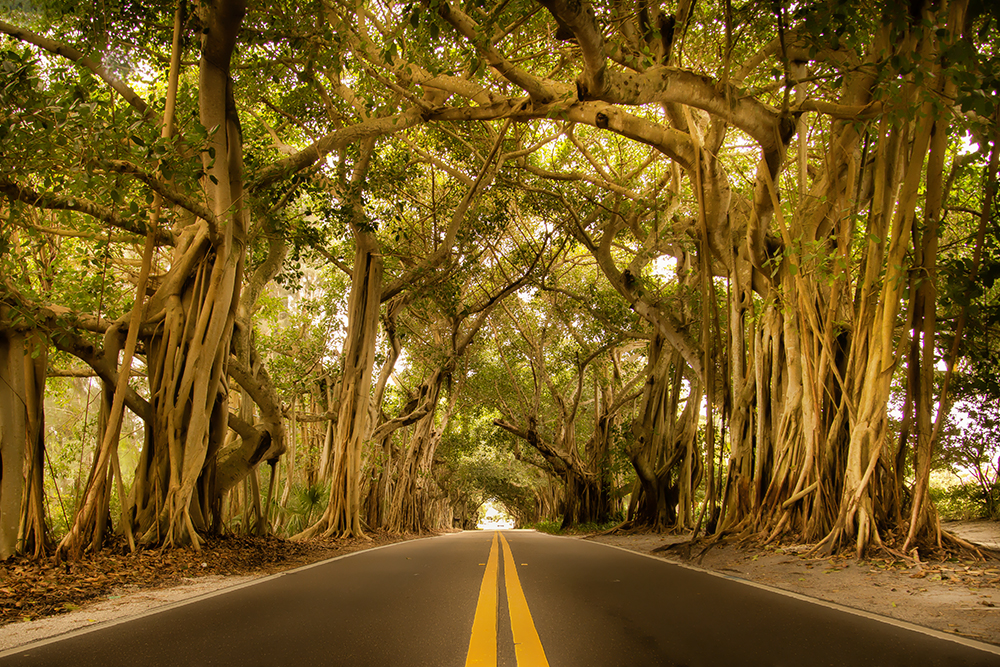
st lucie 2LR

What is your trademark photographic style?
barn2
What truly inspires you?

New York

Where do you go when you close your eyes?
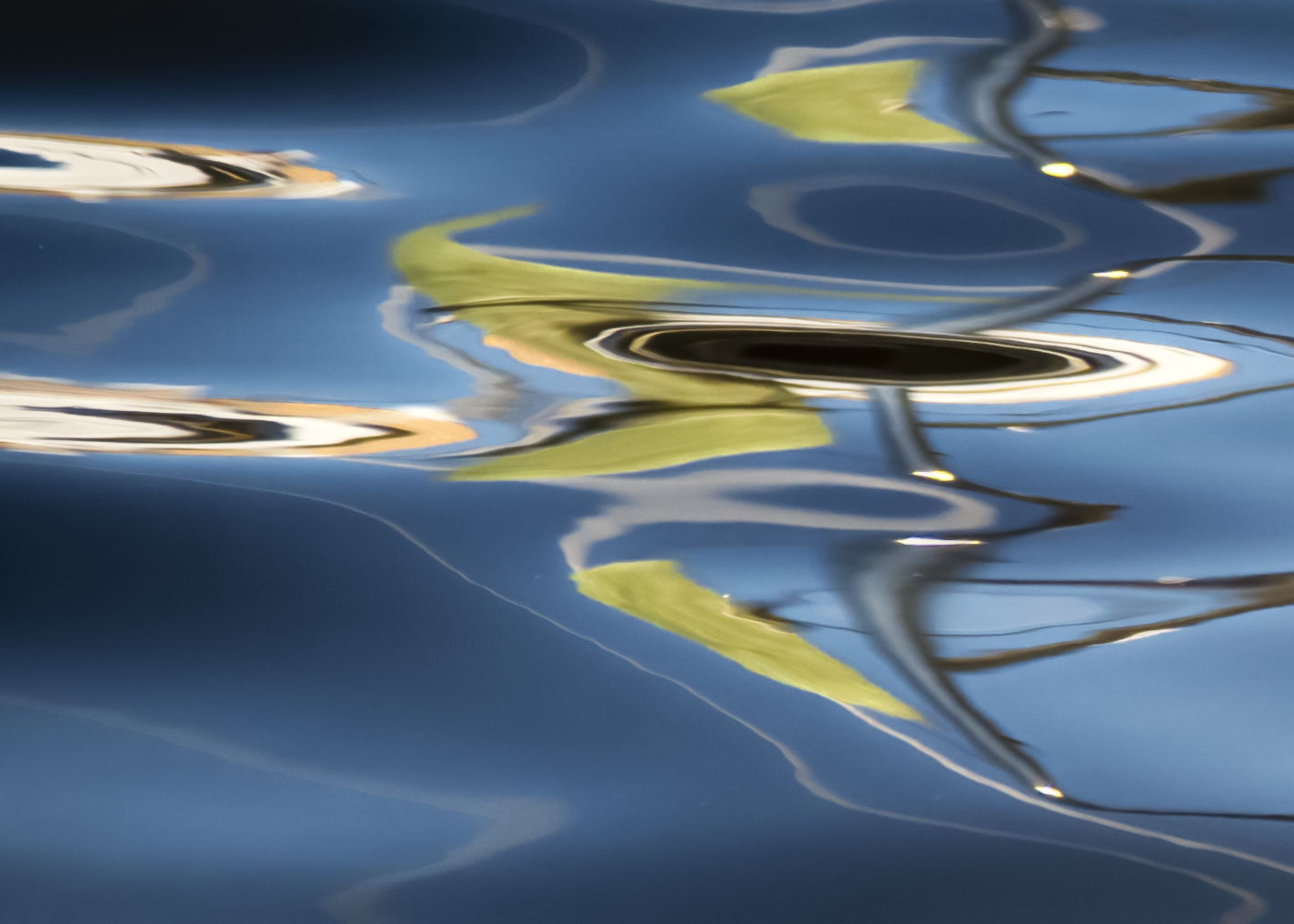
abstract water2
Where is home for you?
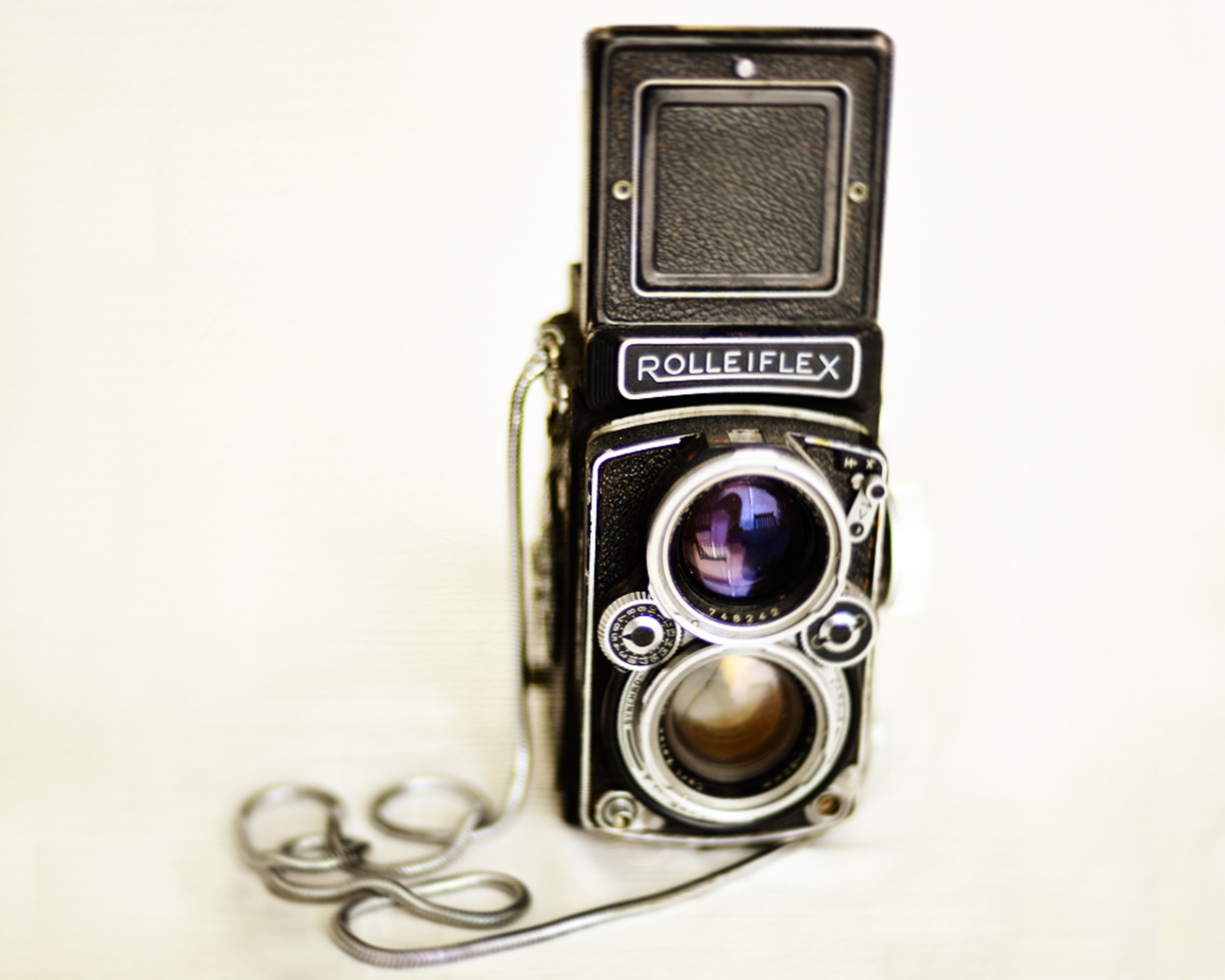
rollei2013-low res
How would you describe your lifestyle?
fresh2
What makes a great shot?

New York

How do you view the world?

Ottawa

What is an important lesson you’ve learned?
sparkof grace light FB

Peonies…

I planted peonies in my new garden last year. Peonies were one of my favourite flowers as a kid.  I remember them fondly from our garden in the West Island of Montreal. We had lilac bushes, crabapple trees and plum trees. We had irises too. Oh yes, and tulips and daffodils. Marigolds also, I think.

peony garden portrait

This was shot at F 2.2. I wanted a shallow depth of field in order to focus on the bloom. After doing basic conversion in Camera Raw, I added an adjustment layer of Colour Lookup and added Filmlook for, well, the look of film.

But it was the peonies that won my heart for having both a delicate frilled beauty and an unforgettable fragrance, which heralded early summer and its longer, languid days. And peonies had such a short life too — they were a sweet reminder that many good things in life are fleeting, so paying attention and having appreciation is in order.

When I first saw the peonies unfurl to the sun this year, I ran out with my camera to capture them in situ. I quickly bent to have a sniff. I could not believe the scent — it was even better than I remembered. Not sweet or sickly — just perfect. I inhaled deeply. Then I went to work shooting them in the garden.

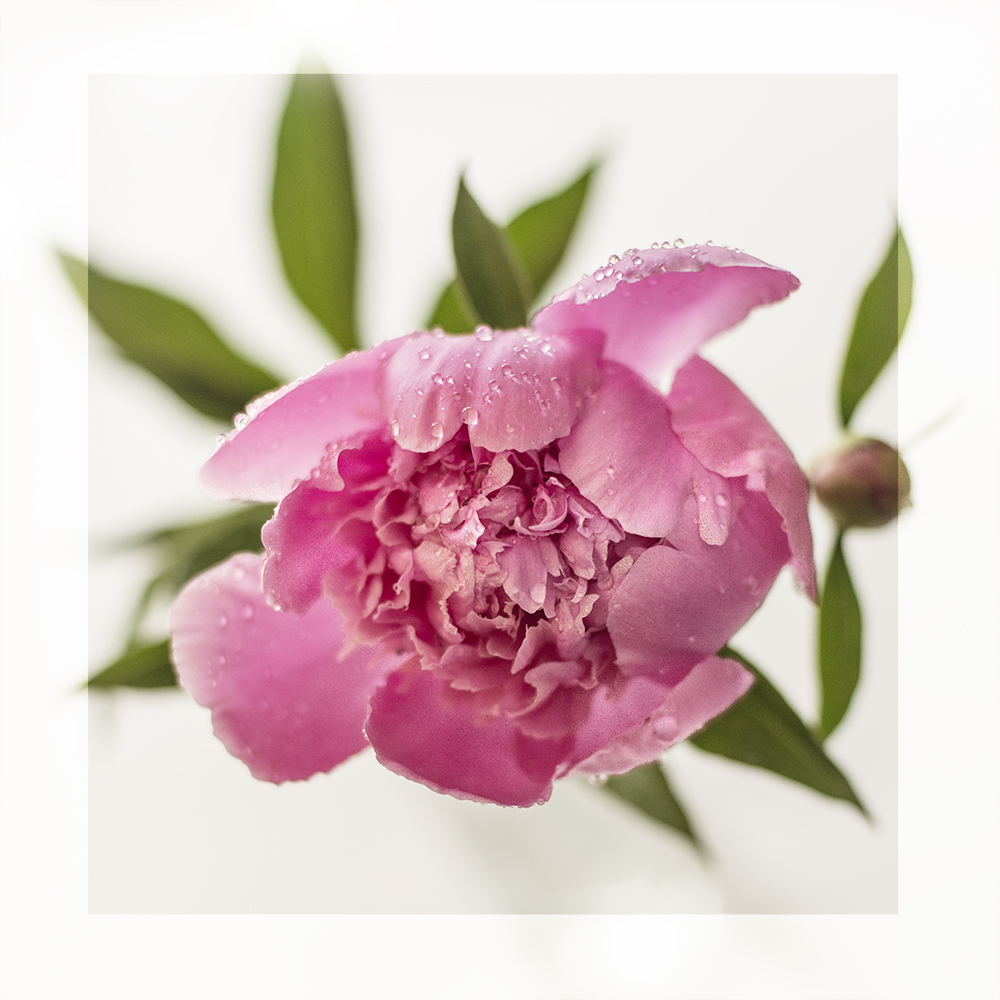
I like this one, which was shot from above, just because it’s a bit different. I used the adjustment brush to try to bring out the rain drops on the bloom.

After that, I brought one in and placed it in a clear vase. It was still wet from the rain. I took shots from many angles with different apertures, all against a white background, trying to pay attention to the composition. I was going for something pure and simple. Trying to convey the spirit of the peony.

Then I moved the vase into the kitchen so it was backed by my window to the back yard. I made some images in the golden morning light, again with different apertures, but mostly large because I didn’t really want the peonies to have to fight for attention with the back yard!

Once I was finished shooting, I began to process the raw images. I  use Adobe Camera Raw to start with and then for some of the images I played with my new favourite tool in Photoshop, Colour Lookup.


This was shot at F 3.2 so it’s crisper and more of the flower is in focus than at larger apertures. Here I wanted to emphasize the golden light in the background.

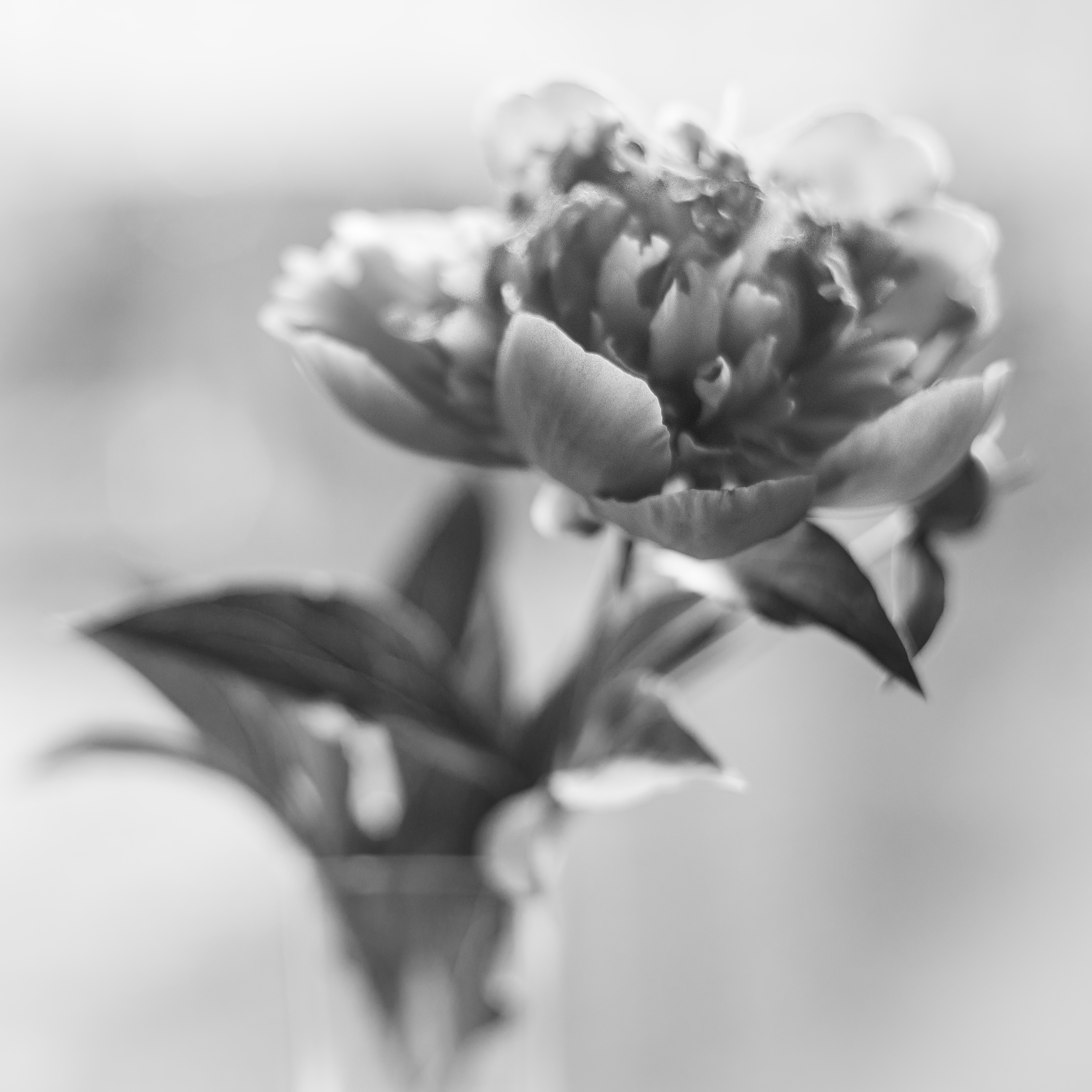
I don’t very often convert my flower images to black and white unless they are very contrasty. I thought I would see how a more dreamy image turned out. I like it — it’s moody — but in general, I think peonies are better in colour!

peony framed

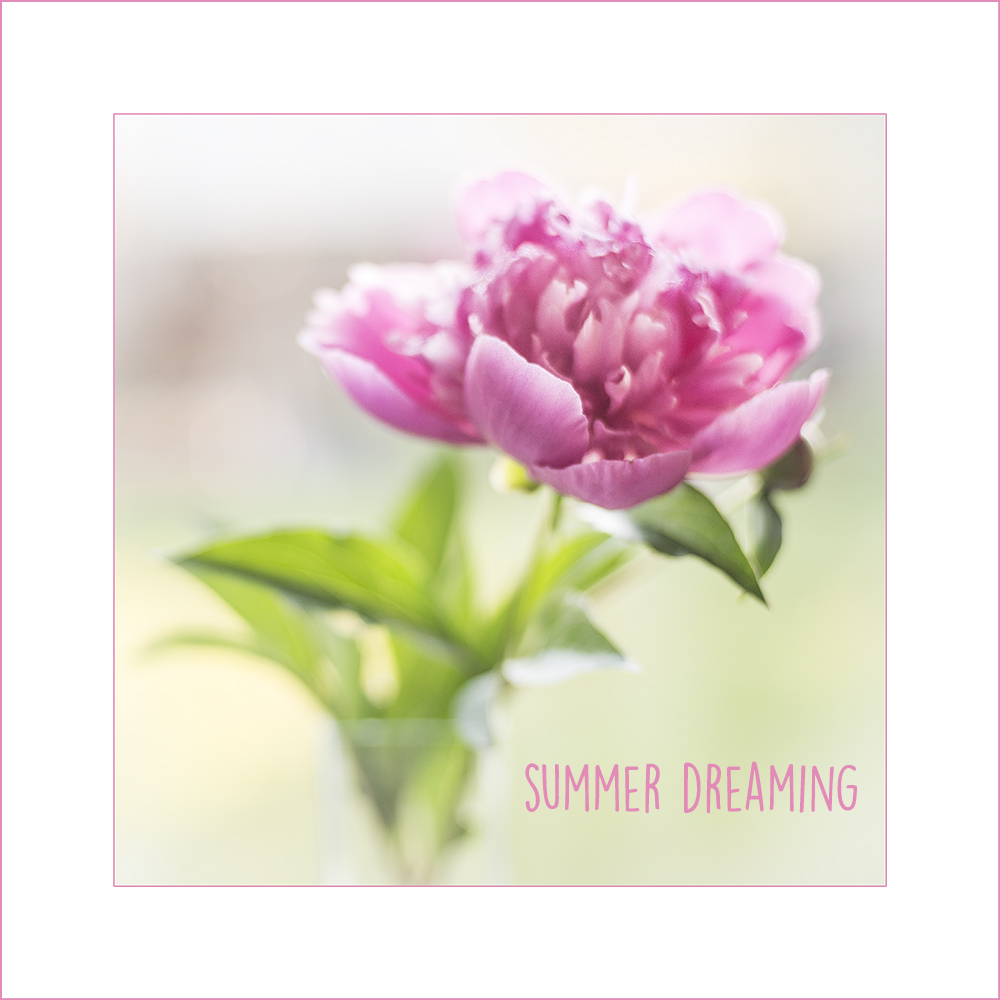
This was shot at F 2 so it’s really quite painterly and dreamy. It evokes memories of summer as a kid, when we spent almost all our time outside — in the fields and playgrounds and backyards.  We’d come in for supper and be greeted with the scent of peonies in a vase on the table.


My little town…

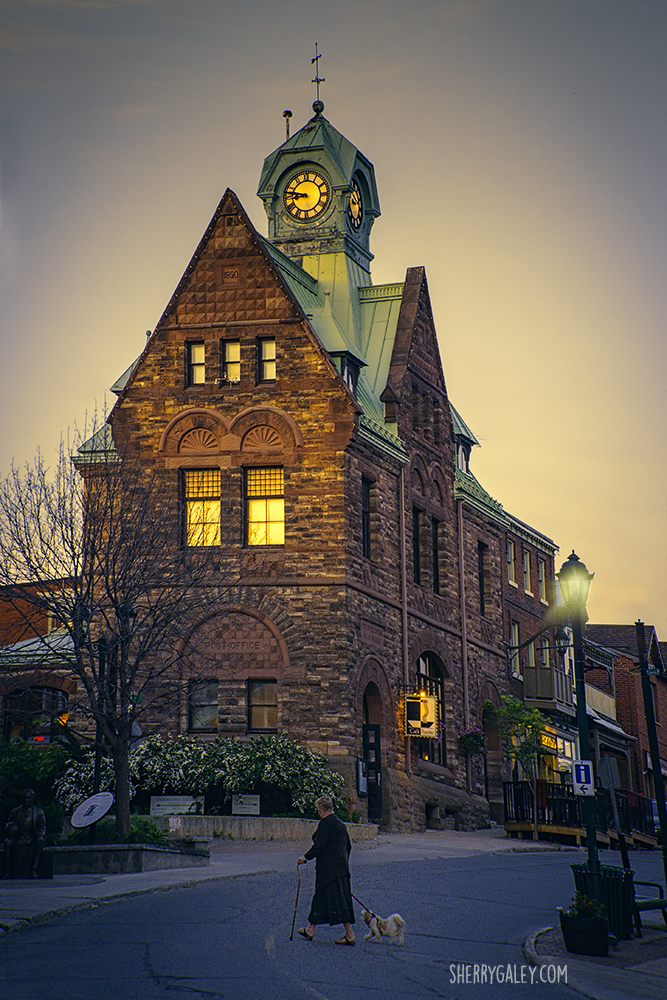
almonte post office2

Almonte’s old post office, designed by the same architect as Canada’s Parliament Buildings in Ottawa

When I was away this winter living on our sailboat Windsong II, I thought about what kinds of photographs I wanted to make when I returned to Canada.

And it occurred to me that there was so much beauty right around me — in my little town of Almonte, Ontario — that I really didn’t need to go far to find delightful subject matter.

And so out I went recently with my friend Sona to show her my little town….

My friend enjoys the falls down at the foot of Mill Street

Here’s what she saw with her iPhone 6.

sona pano

And then I went out just this past weekend with my camera and came back with these…

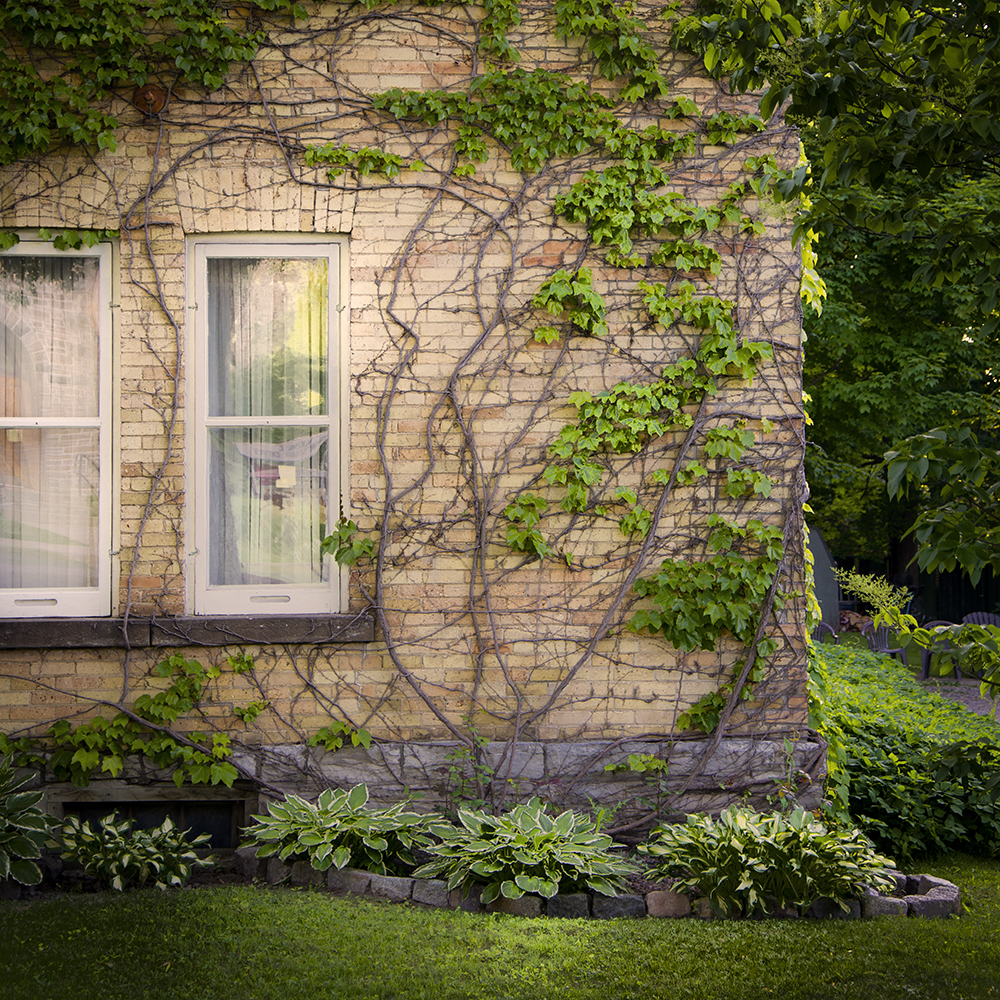
vines

I love the vines on this house in all seasons.


View from the Riverwalk as night falls

I love Almonte in colour, I love it in black and white, in the light of day, in the golden hour, in the blue hour. So many different moods and sides…I’m hoping to capture many more of them this summer!

Processing Tip #4: Toning with the Colour Lookup Table


Irises

Original image

Variations

Sometimes you want to render the colour in your colour photographs exactly the way you saw it. And sometimes you don’t. In truth, often you don’t, if your goal is to create a mood or convey a feeling rather than simply document a scene.

And how many ways are there to change and tweak colour using image editing tools such as Adobe Camera Raw, Photoshop or Lightroom? So many it makes my head spin. Plug-ins, presets, actions, not to mention using curves, LAB colour, hue/saturation adjustments and of course combinations of all of these.

But one way that I have become aware of only recently is Colour Lookup. (That’s what I love about Photoshop — I’ve been using it for 6 years and there are still features I’m discovering!)

This technique is fast, easy and can yield some nice results. It can be used for very subtle effects, which I prefer to over-the-top, more extreme changes.

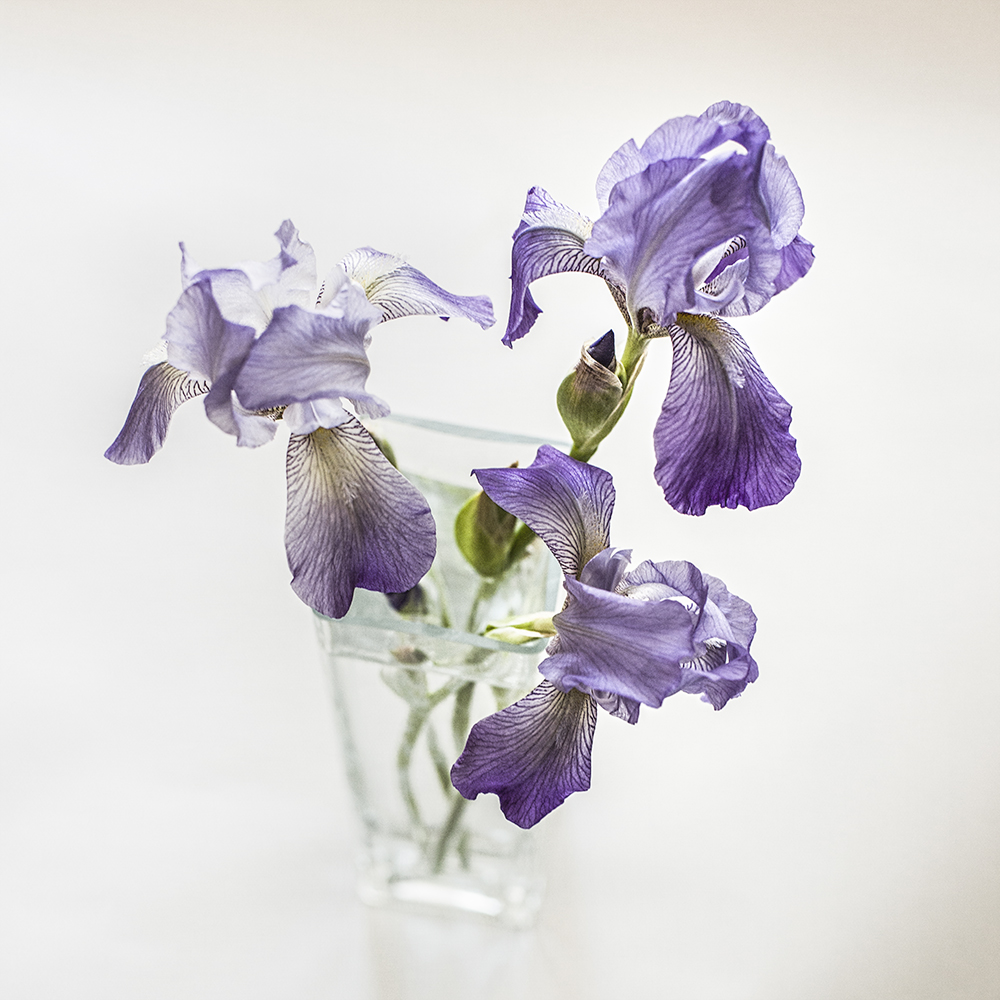
I decided to take my recent iris image and play with it a bit to create a few other options to my original. I think I may even like some of these better! I’m particularly drawn to the slightly warmer tones.

Below is a link to an easy-to-follow tutorial:

How to use colour lookup in PS CS6 and CC

And now for an example of how you can use the technique to change the feel of a scene.

Well, here’s to yet another tool in the ol’ image processing toolkit!


Something universal…

I often find myself deeply moved by the writings of photographers I admire, as well as their photography. I copied this quote from Kim Manley Ort, photographer, teacher, writer and fellow explorer, when I read it, and I wanted to share it with others, who I think will also appreciate it.

Irises

My mission in life is to fully experience and embrace life with my whole self – mind, body, and heart – to really see. I’ve found that photography helps me to do this through fully connecting with and being transformed by ordinary moments. Something universal resonates deep inside – and I feel tender, hopeful, transparent, connected, and present. It is magical and opens me up to how everything (including me) belongs. I hope that when others look at my photography, they see that every moment is worthy in and of itself.

Kim Manley Ort

Processing Tip #2: The Cinematic Look

Do you sometimes feel like your life is a movie? Well, whether you do or don’t, it can be fun to make it look like one.

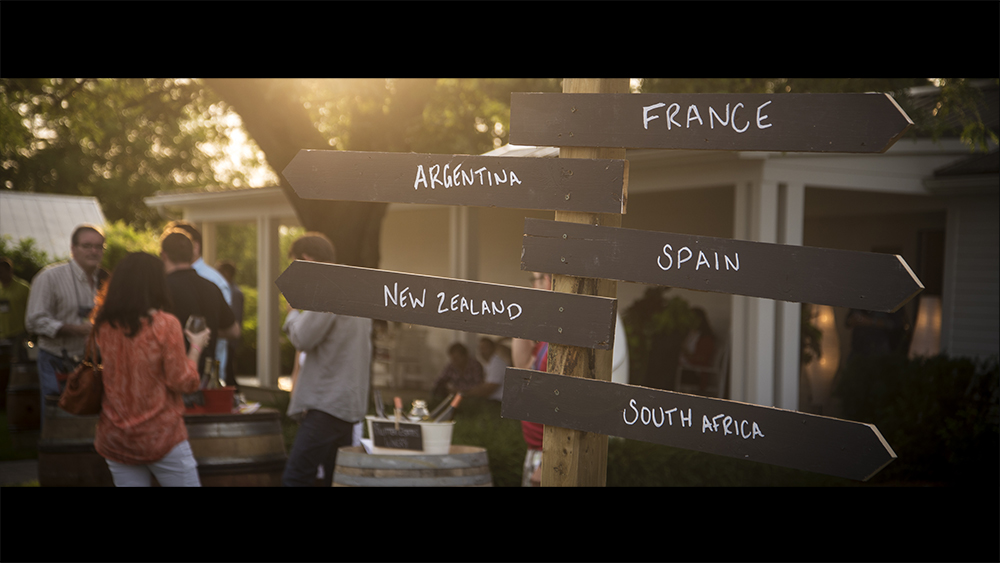
I ran across this article on Fstoppers.com and thought I would  give some of the techniques a try. I find the 16:9 crop really enhances some images and it’s just a couple more steps to create the “letterbox effect.”

See you in the movies!

Tips for making your images look like they’re straight out of films 

 Follow this for the “letterbox effect.”

BEFORE

before cinematic

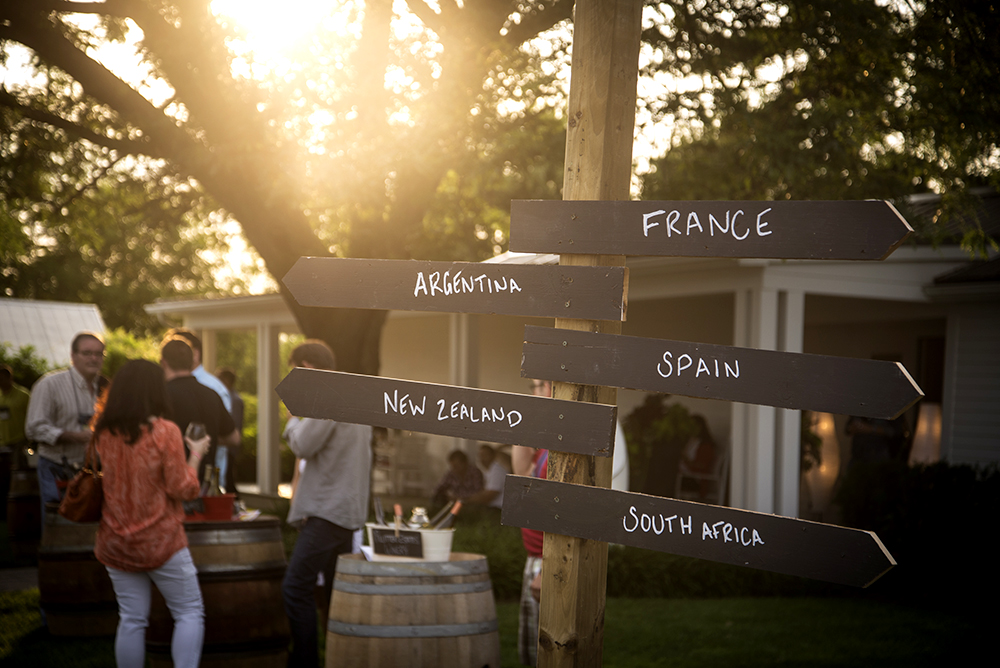
Taken at the International Cool Climate Chardonnay Celebration held every summer in the Niagara Region of Ontario

AFTER

cinematic demo

Processing Tip #1: Blue-skying

I’m back in Canada now after four months of living and cruising on our sailboat, Windsong II, in Florida and the Bahamas. As you can imagine, the photo opps were astounding and I did my best to fill up my camera cards with images. Tons of images.

Images that make my heart flutter when I look at them and they bring me back to the feelings of awe and wonder I experienced daily.

Images I now have to go through and delete or process.

I shoot RAW so I don’t have a choice about processing — I have to do it because the image straight out of the camera (SOOC) is not already processed by the camera in the way that jpegs are. A raw image is  like a digital negative and has to be developed in the same way that film negatives have to be developed and tweaked in the dark room.

Processing demands myriad decisions on the part of the photographer about how to present your image to best express what you saw and felt when you clicked the shutter and what you want to share.

Sometimes what comes out of the camera just doesn’t reflect what you saw — because our camera does not have the dynamic range of our eyes or because we didn’t expose properly for the conditions or for some other reason. So we fix things up during the editing process…

I’m always learning about processing — it’s a never-ending journey that I derive so much pleasure from. I’m constantly searching for better ways to achieve and express my vision in my images.

I gather information and ideas from books, other blogs, podcasts, video tutorials, e-books and online classes. I’m forever trying out new techniques. Some I keep and return to over and over — some do nothing for me. To me, editing is not a necessary evil — it’s part of the joy of the creative process.

I’m thinking that many of you are like me and it might be fun to share each other’s experiments.

So I decided to launch a new series of processing tips, in which I share some simple processing techniques that I pick up and test out. I mainly use Adobe Photoshop CC, Adobe Camera Raw and Lightroom.

I’ll share the link to the source of the information, which will contain the how-to’s so you can try it out too — and I’ll share my results.

So, on to Tip #1…

I saw this tip on Lightstalking. It’s great for pepping up those washed out or bland skies that we all struggle with from time to time.

Now, of course there are many other ways to achieve the same goal — both in camera, using filters and through processing. But this is a quick and easy way to deepen the blues of your skies in a natural looking way. By combining targeted changes to the exposure and saturation, the result is very pleasing.

Here is my image — before and after. See what you think…

I’d love it if you’d share your go-to methods for doing the same thing, in the comments or on your blog.

BEFORE

 

overdraught - sqbf

Before


AFTER


overdraught - sqafterfin

After